Most of these platforms were built for knowledge work: marketing campaigns, IT tickets, software sprints. But industries like manufacturing run on a different kind of complexity. Machine setups, shift changes, and job dependencies don't fit neatly into a generic task board.
This guide covers the best workflow management software for 2026. That includes the general-purpose leaders most teams already know, plus a specialized category built specifically for shop floors where "close enough" scheduling causes real downtime.
Key Takeaways
- Workflow management software automates task routing and approvals, cutting manual work and errors
- The right pick depends on team size, technical skill, and workflow complexity
- Top options include all-in-one platforms (Jira, ClickUp), spreadsheet tools (Smartsheet), and OnePlanify for manufacturing
- Automation depth, integrations, and real-world fit matter more than brand recognition
Overview of Workflow Management Software in the US Market
Workflow management software structures, automates, and tracks how work moves between people, tasks, and systems, from the moment a request is created to the moment it's closed out. It typically covers:
- Assigns tasks and owners automatically
- Routes approval chains and sign-offs
- Tracks status across every stage
- Sends automated notifications and reminders
All without someone manually chasing updates.
Adoption is accelerating. Gartner forecasts that spending on business orchestration and automation technology platforms will grow 35% in 2025, reaching nearly $7 billion, as more companies fold AI-assisted automation into existing workflows. That growth reflects a broader shift: businesses want systems that don't just track work, but actively move it forward.
With that momentum behind them, most platforms on this list serve office and cross-functional teams exceptionally well. But operationally complex environments, especially manufacturing, need scheduling logic these tools weren't designed to handle. That gap is exactly what the next section digs into.
Why Workflow Management Gets Complicated on the Manufacturing Shop Floor
Generic workflow software assumes tasks move in a straight line: request, approval, done. That model works fine for marketing tickets or expense reports. It breaks down fast on a production floor.
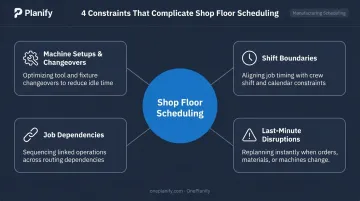
Manufacturing scheduling has constraints that office-focused tools simply don't account for:
- Machine setups and changeovers that vary depending on which job ran before
- Shift boundaries that make a job impossible to run overnight or on a closed weekend
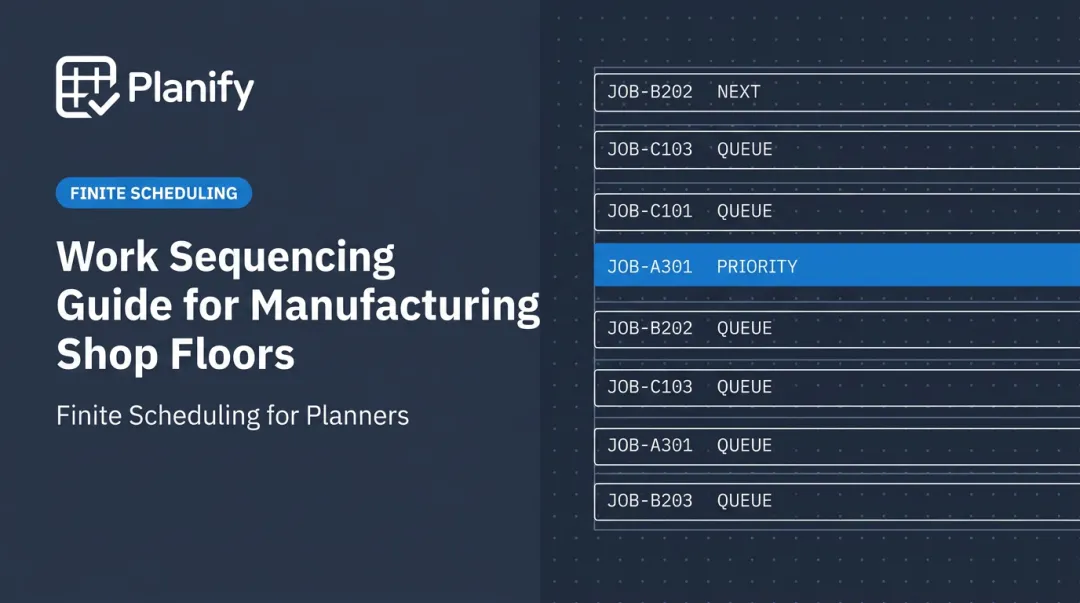
- Job dependencies where Operation 20 can't start until Operation 10 physically finishes
- Last-minute disruptions, like a rush order or a machine breakdown, that ripple through every downstream job
Many shops handle this with spreadsheets instead. According to the National Association of Manufacturers, 70% of manufacturers still collect production data manually, and nearly half say that workload has doubled in the past two years. Manual scheduling doesn't scale when the plan changes hourly.
The stakes are real: unplanned downtime, often triggered by exactly the kind of scheduling blind spot spreadsheets create, can cost manufacturers upwards of $125,000 per hour, according to a global plant-maintenance survey.
This is why a dedicated category of finite scheduling software has emerged alongside general workflow tools. It's built specifically for the messiness general platforms weren't designed to model. The list below covers both.
Top Workflow Management Software for 2026
We evaluated each platform on automation depth, ease of use, integration breadth, scalability, and fit for the team using it, office-based or operations-heavy.
Jira
Atlassian's Jira is a flexible work management platform used across software, marketing, and operations teams alike. Its native automation engine now pairs with Rovo AI agents, which can be embedded directly into workflows to analyze work or suggest next steps, no code required.
| Best For | Cross-functional and technical teams needing deep customization |
| Pricing | Free plan available; paid plans start around $8/user/month |
| AI Automation | Rovo agents, natural-language automation rule building |
monday.com
monday.com is a highly visual, customizable work management platform built around drag-and-drop boards. Its code-free automation builder adapts to nearly any process, and its AI assistant can generate automation "recipes" from a plain-language prompt.
| Best For | Teams standardizing repeatable processes with visual boards |
| Pricing | Free plan for limited users; paid plans start around $9-12/user/month |
| AI Automation | AI generates automation recipes from natural-language prompts |
ClickUp
ClickUp bundles tasks, docs, chat, and automation into one workspace, aiming to reduce the number of tools a team juggles daily. It ships with over 100 automation trigger-action combinations and ClickUp Brain for task generation and project summaries.
| Best For | Teams wanting to reduce tool sprawl |
| Pricing | Free plan; paid plans start around $7/user/month |
| AI Automation | ClickUp Brain for task generation and summaries |
Smartsheet
Smartsheet layers workflow logic on top of a familiar spreadsheet grid. Automated row triggers and cross-sheet routing make it a strong fit for data-heavy, operational reporting where teams already think in rows and columns.
| Best For | Procurement, operations, and data-driven reporting workflows |
| Pricing | No free plan; paid plans start around $9/user/month |
| AI Automation | Smartsheet AI for formula-building and data summarization |
Wrike
Wrike is built to reconnect siloed cross-functional teams under one workflow structure. Its workflow blueprints automate repeat processes, and its resource and capacity planning tools go deeper than most competitors offer.
| Best For | Mid-size to large teams needing cross-department visibility |
| Pricing | Paid plans start around $10/user/month |
| AI Automation | AI agents for task assignment and smart notifications |
Pipefy
Pipefy is a low-code workflow tool designed to bridge business and IT teams. Standardized forms, service portals, and smart rules reduce the miscommunication that usually happens at department handoffs.
| Best For | IT and business teams needing structured, standardized handoffs |
| Pricing | Free tier available; business plans are quote-based |
| AI Automation | Pipefy AI credits generate automation suggestions |
OnePlanify
OnePlanify is a finite scheduling solution purpose-built for manufacturing shop floors, not a general workflow tool. It's designed around the daily realities of setups, shift changes, job dependencies, and disruptions.
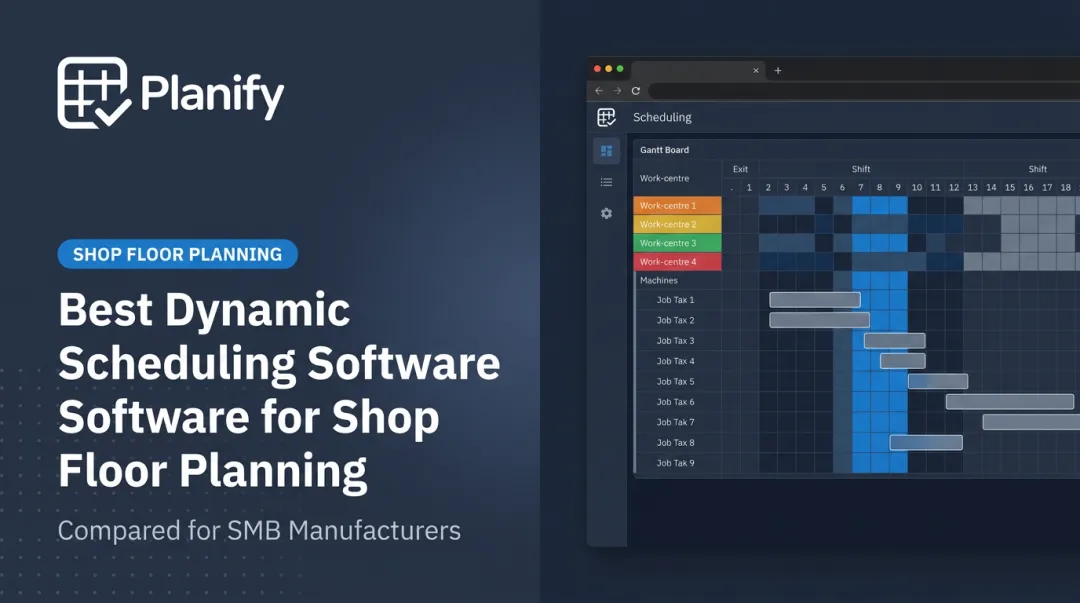
Where Jira or monday.com track that a task needs doing, OnePlanify's engine (branded Planify) determines exactly when a job can physically run given machine availability, changeover time, and shift calendars. It handles the same messiness generic tools struggle with while staying as approachable as a spreadsheet.
| Best For | Manufacturing and shop floor operations managing complex production scheduling |
| Pricing | Subscription-based, per-planner or per-work-center licensing with onboarding included |
| Core Strength | Finite scheduling that recalculates shop-floor disruptions within seconds |
| Ease of Use | Spreadsheet-simple interface without sacrificing scheduling depth |
How We Chose the Best Workflow Management Software
We weighed each platform against four factors: automation depth, ease of use for non-technical staff, integration breadth, and scalability across team sizes.
A common mistake here is picking a tool based on popularity rather than fit. A brand-name platform with millions of users can still be the wrong choice if it can't model the actual complexity of your operation.
Office and cross-functional teams generally get everything they need from Jira, monday.com, ClickUp, Smartsheet, Wrike, or Pipefy.
Operations-heavy environments, particularly manufacturing shop floors, need something different. General platforms rarely account for setup times, shift calendars, or routing dependencies, so specialized tools such as OnePlanify are worth evaluating separately.
Industry-specific scheduling needs deserve their own evaluation lane, not an afterthought bolted onto a general tool.
Conclusion
The right workflow management software matches the actual complexity of how your team works, not the size of its brand name.
Before committing, pilot-test your shortlist against real workflows, especially the disruption-heavy ones that expose weak automation logic fast. A tool that handles a simple approval chain smoothly might still fall apart the first time a rush order hits.
If generic tools keep missing the mark on your shop floor, consider OnePlanify. It's built specifically for the setups, shift changes, and dependencies that office-first software simply wasn't designed to handle.
Frequently Asked Questions
What is workflow management software?
Workflow management software structures, automates, and tracks how tasks move through a defined process, from creation to completion. It replaces manual handoffs and status-chasing with automated routing, approvals, and notifications.
What is the difference between workflow management and workflow automation software?
Workflow management is the broader discipline of organizing, tracking, and improving how work flows through your team. Workflow automation is the specific mechanism that executes rule-based actions, like triggering an approval, without manual intervention.
How much does workflow management software typically cost?
Pricing ranges from free plans for small teams to roughly $8-19 per user per month for standard tiers. Enterprise plans with advanced automation and support are typically custom-quoted.
What features should I look for in workflow management software?
Look for automation depth (AI-assisted rule building, not just triggers), broad integrations with your existing tools, an interface your team can adopt quickly, and scalability as headcount grows.
Can workflow management software handle manufacturing or shop floor scheduling?
Most general workflow tools are built for office work and don't model setups, shift calendars, or job dependencies well. Manufacturing environments typically need specialized finite scheduling software, like OnePlanify, built for that exact complexity.
Does workflow management software integrate with existing ERP or CRM systems?
Yes. Most modern platforms offer native integrations, open APIs, or connectors for common ERP and CRM systems. Coverage and depth vary by vendor, so confirm your specific systems are supported before committing.